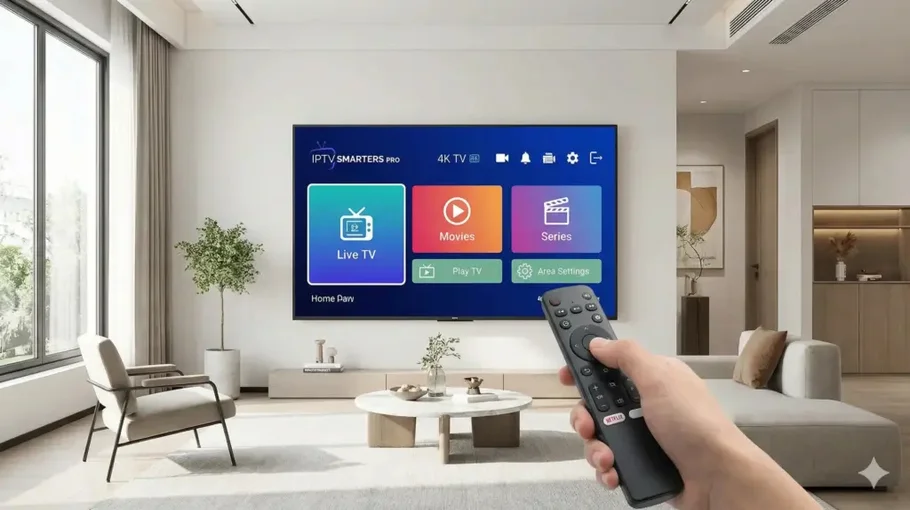
IPTV Smarters Pro Samsung TV installation confuses most people. Samsung's Tizen OS doesn't support standard Android apps, requiring different approach.
I've helped dozens install IPTV Smarters Pro Samsung TV successfully. This complete guide covers every installation method, proper configuration, and fixes for common Tizen issues.
Follow this systematically and you'll have streaming working perfectly on your Samsung television.
If IPTV Smarters Pro Samsung TV setup proves difficult, alternatives exist.
SS IPTV
Native Tizen app available in Samsung App Store. Simpler than Smarters but works.
Installation
Press Smart Hub button
Search 'SS IPTV'
Install from Samsung Apps
Add M3U playlist URL
Smart IPTV
Paid app (one-time £5-£6). Available for Tizen. Good alternative.
Benefits
Native Samsung TV app
No external devices needed
Decent EPG support
FAQ: IPTV Smarters Pro Samsung TV
Not easily. Samsung uses Tizen OS, not Android. Best methods: screen mirroring from phone or connecting Firestick/Android box to HDMI port.
External device gives best results.
Usually network issues. Ensure TV and phone on same WiFi (5GHz preferred). Enable Device Connect Manager in TV settings.
Restart both devices. Weak signal causes connection failures.
For native Tizen: SS IPTV (free) or Smart IPTV (£6). For best experience: Connect Firestick to Samsung TV and use IPTV Smarters normally.
External device eliminates Tizen limitations.
Yes, slightly. Mirroring compresses video for transmission. Strong WiFi minimizes quality loss.
Wired external device always gives better quality than wireless mirroring.
Absolutely. Firestick offers full Android app support, better performance, dedicated remote.
Samsung native apps are limited. A Firestick transforms any TV into a full streaming device.
Look, IPTV Smarters Pro Samsung TV installation isn't straightforward because Samsung chose Tizen over Android. Not your fault, just Samsung's ecosystem decision.
Screen mirroring works okay for occasional viewing. Quick setup, no extra hardware. But expect slight lag and quality compromise.
External device is genuinely better solution. Firestick gives you proper Android app ecosystem, better performance, dedicated remote. Plus works on any TV you own.
If going external route, use ethernet connection. Samsung TV ethernet port on back. Cable eliminates WiFi issues completely.
For mirroring, 5GHz WiFi essential. 2.4GHz too slow for smooth video transmission. Router close to TV makes massive difference.
For comprehensive IPTV guidance and provider recommendations, visit our
IPTV UK guide
and
homepage.
Samsung TVs are brilliant televisions. Just not designed for sideloading Android apps.
Work with that limitation using methods above and streaming works perfectly.
 Skip to content