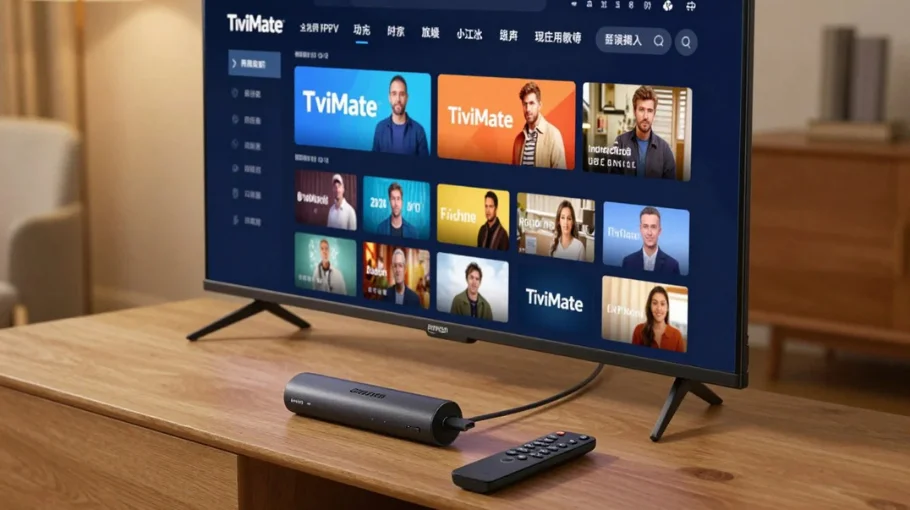
Updated 2026 • Android TV / Firestick • Best setup + EPG tips
TiviMate IPTV Player: Best Setup + EPG Tips (Android TV)
TiviMate IPTV Player is one of the strongest IPTV players for Android devices — mainly because the EPG is clean,
the interface feels like a real streaming service, and the settings let you optimize everything.
If you’re new, start with
What Is IPTV?,
then use our main hub:
IPTV UK guide.
Want IPTV that runs smoothly on Android TV and Firestick? Compare plans on
Pricing
and set up the player correctly using the steps below.
Most IPTV apps are functional but messy. TiviMate feels like a premium TV interface: smooth navigation, a clean EPG,
and powerful customization. If you want a broader comparison of apps by device, check:
Best IPTV Player guide.
Installation is straightforward on Android TV devices. If you’re installing on Firestick and want the full beginner path, follow:
IPTV Firestick setup guide.
Method 1: Downloader App
Install Downloader (from your device store)
Enable installing apps from unknown sources (device settings)
TiviMate strengths: superior EPG, cleaner UI, recording/timeshift (premium)
Smarters strengths: free, wide device support (including iOS)
Compared to Smart IPTV
TiviMate strengths: more features, better EPG, active updates
Smart IPTV strengths: native Smart TV support, one-time app payment
FAQ: TiviMate IPTV Player
Yes. The free version supports a single playlist. Premium unlocks multiple playlists, recording and timeshift.
Wait a minute after adding your playlist, then force refresh in Settings → EPG. Timezone settings are the most common cause of wrong/blank EPG.
Wi-Fi: 10–15 seconds is a good start. If you buffer during peak hours, raise it to 15–20 seconds. Ethernet can run smoothly at 5–10 seconds.
No. TiviMate is a player. You need an IPTV provider playlist (M3U or Xtream Codes) separately.
Final Thoughts
TiviMate is a top choice on Android TV because the EPG feels fast and organized. For best results: use Xtream Codes when possible,
set buffer correctly, keep timezone accurate, and optimize your device/network. If you need to validate quality before committing,
use our
IPTV free trial checklist.
Next step: Choose the plan that matches your devices on
Pricing.
 Skip to content