IPTV UK Complete Guide for Viewers in the United Kingdom
Everything you need to understand IPTV in the UK: how it works, what to check before choosing a provider,
best devices/apps, speed tips, and a simple checklist to avoid buffering.
IPTV UK: A Simple Guide Before You Choose Anything
IPTV is becoming one of the most common ways to watch TV in the United Kingdom.
Instead of relying only on satellite or cable, many viewers now use IPTV (Internet Protocol Television)
to watch live channels, films and series through their internet connection.
If you are based in the UK or you simply want access to British IPTV channels,
you may have seen many different IPTV UK offers online and wondered which ones are safe or how everything actually works.
This guide is here to help you understand the basics and avoid common mistakes. If you want to explore our main service and navigation,
you can start from the home page.
How IPTV worksWhat you needHow to choose safely
What Is IPTV and What Does “IPTV UK” Mean?
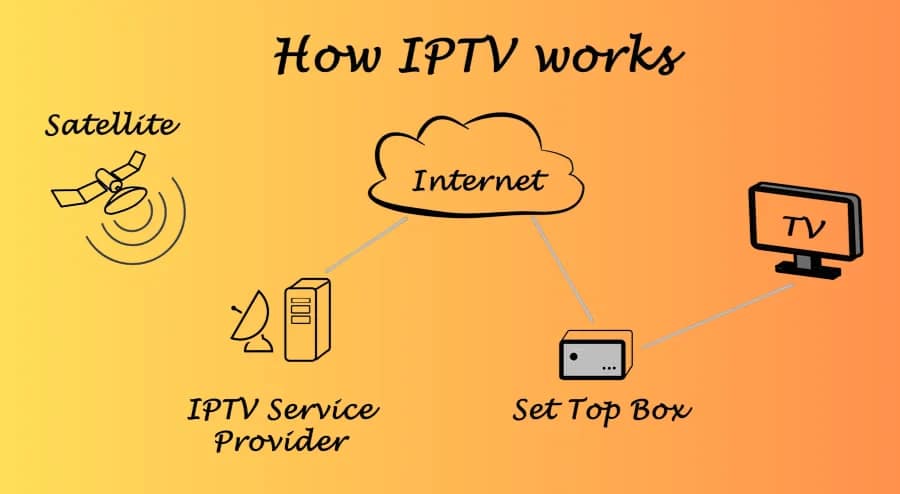
IPTV stands for Internet Protocol Television. Instead of broadcasting channels via satellite or cable,
content is delivered as data over the internet. If you want the simplest overview first, read
what IPTV is and how it works.
Channels and videos are hosted on servers
Your app or device connects to those servers over the internet
The stream is delivered to you live or on demand
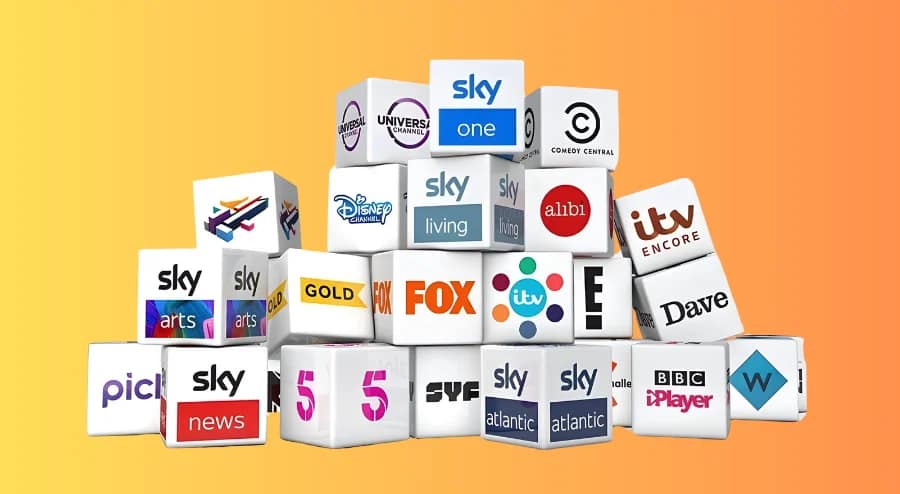
When people say IPTV UK, they typically mean a service that works well in the United Kingdom and includes a strong selection of
British IPTV channels, often with an EPG and a VOD library.
How Does IPTV UK Work in Practice?
IPTV simply means TV delivered over an internet connection rather than through traditional broadcast methods.
For a neutral definition, see
Internet Protocol Television (Wikipedia).
Even if you are not technical, it helps to understand what happens behind the scenes:
The IPTV provider delivers live channels and VOD through servers.
Your device connects through your home internet connection.
An IPTV app organises channels, categories, EPG and playback.
Stability depends on your internet line, device performance, and server quality.
If you want a universal walkthrough for most devices, the
step-by-step IPTV setup guide
covers the typical flow from installation to first playback.
Why IPTV UK Has Become So Popular
IPTV has grown in the UK because broadband is widely available, streaming is now normal for most households, and people prefer flexible viewing on
multiple screens. At the same time, popularity attracts low-quality offers, so it is worth learning how to evaluate services before paying.
Note: A large channel count is not a quality signal. Prioritise stability, EPG reliability, peak-hour performance and support response time.
What You Need for a Good IPTV UK Experience
A strong IPTV UK experience depends on four fundamentals: stable internet, a compatible device, a reliable subscription, and a good IPTV player.
For a clear breakdown of what UK plans typically include, see
IPTV UK subscription plans and prices.
When you are ready to choose, compare options on the
IPTV subscription UK plans & pricing.
A Reliable Internet Connection
For HD streams, aim for at least 10–15 Mbps download speed
For 4K, you generally need higher bandwidth and stronger stability
Latency and consistency often matter more than peak speed
Ethernet is ideal; Wi-Fi 5 GHz is usually better than 2.4 GHz
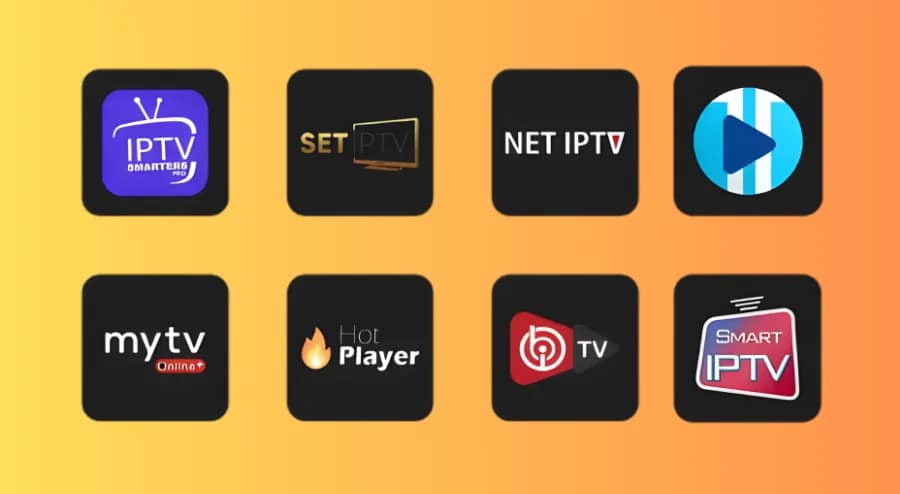
A Good IPTV App or Player
A well-designed player makes daily use easier: favourites, search, categories, EPG navigation and smooth playback.
If you want recommendations by device (Firestick, Android TV, iPhone and more), this guide helps you choose the
best IPTV players
for your setup.
Most Popular IPTV Apps for UK Viewers
IPTV apps do not provide channels by themselves. They help you log in with your subscription details and organise channels, EPG and VOD.
The best option depends on your device, how you watch, and whether you prefer simplicity or advanced customisation.
For a practical walkthrough covering login methods, EPG, casting and common options, see the
IPTV Smarters Player guide.
If you use Smart IPTV on compatible TVs, this
Smart IPTV setup guide
explains the usual activation and playlist steps.
Compatibility: works properly on your TV/box/phone/PC
Ease of use: fast navigation for everyday viewing
EPG support: reliable guide loading and updates
British IPTV Channel Types and Content You Can Expect
Most UK-focused line-ups include sports, news, entertainment, movies, kids and documentaries.
For a practical reliability checklist of what to look for, read
British IPTV: what’s included and what to verify.
If live sports are your priority, this checklist explains what matters most for stability and latency:
IPTV sports streaming checks.
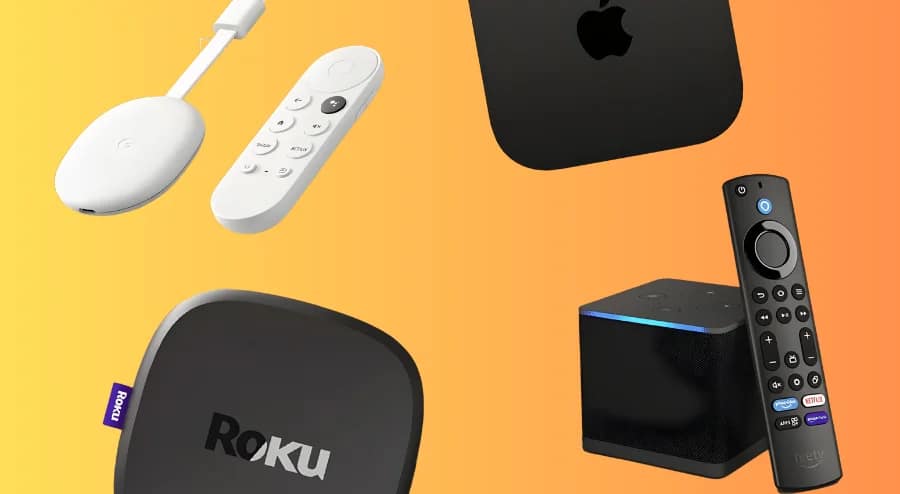
Devices Commonly Used for IPTV UK (and Basic Setup)
IPTV UK typically works on Smart TVs, Firestick, Android TV boxes, phones, tablets, and computers. The setup is similar across devices:
install an IPTV app, enter your details, and start watching.
Pricing can be misleading. If the offer is extremely cheap, verify what you sacrifice in stability and support. This guide compares the trade-offs:
Cheapest IPTV UK: budget vs quality.
IPTV UK and Internet Speed: How to Reduce Buffering
Buffering is usually caused by Wi-Fi quality, device limits, ISP routing, or server load. Start by checking real performance with a speed test:
Speedtest,
Fast.com
or
Cloudflare Speed Test.
For UK broadband guidance and reliability context, see
Ofcom.
IPTV Free Trial in the UK: When It Helps and How to Use It
A free trial is the fastest way to verify stability on your own device and internet line. For a quick method that works in minutes, use
this 10-minute IPTV free trial checklist.
Test at the times you actually watch (evenings and weekends), and check both live channels and VOD so your results reflect real usage.
Common IPTV UK Problems and Simple Checks
If something breaks, the first goal is to identify the cause: internet line, device, app, or server. This guide helps you isolate it quickly:
how to check if IPTV is down.
Using VPN with IPTV UK: Pros and Cons (High-Level)
Some users consider a VPN for privacy or routing stability, but it can also add latency or reduce speed. If you use one, test performance with and
without it to confirm whether it improves your experience.
Safety, Responsibility and Legal Considerations for IPTV UK
UK legal discussions can be confusing. For the clearest UK-focused explanation, read
Is IPTV legal in the UK?.
Move on if support is unreachable, performance is unstable at peak hours, or the offer is vague about what is included and how refunds are handled.
Summary: Is IPTV UK Right for You?
IPTV UK can be a practical solution if you have stable internet, prefer apps on Smart TVs/Firestick/Android boxes, and you are comfortable with basic setup.
If you want to compare reliability, support quality and feature expectations, see
this best IPTV provider UK comparison.
This guide is designed to give you a clear foundation, so you can choose an IPTV setup that matches your devices, your internet connection, and your viewing habits.
FAQ
Common questions about IPTV UK, with short answers and additional reading where relevant.
The word “legal” is often used loosely. This guide explains what people generally mean and what to look for:
Legal IPTV providers in the UK.
Check speed stability, EPG loading, peak-hour performance, and your main device. Use:
Free Trial IPTV UK checklist.
 Skip to content